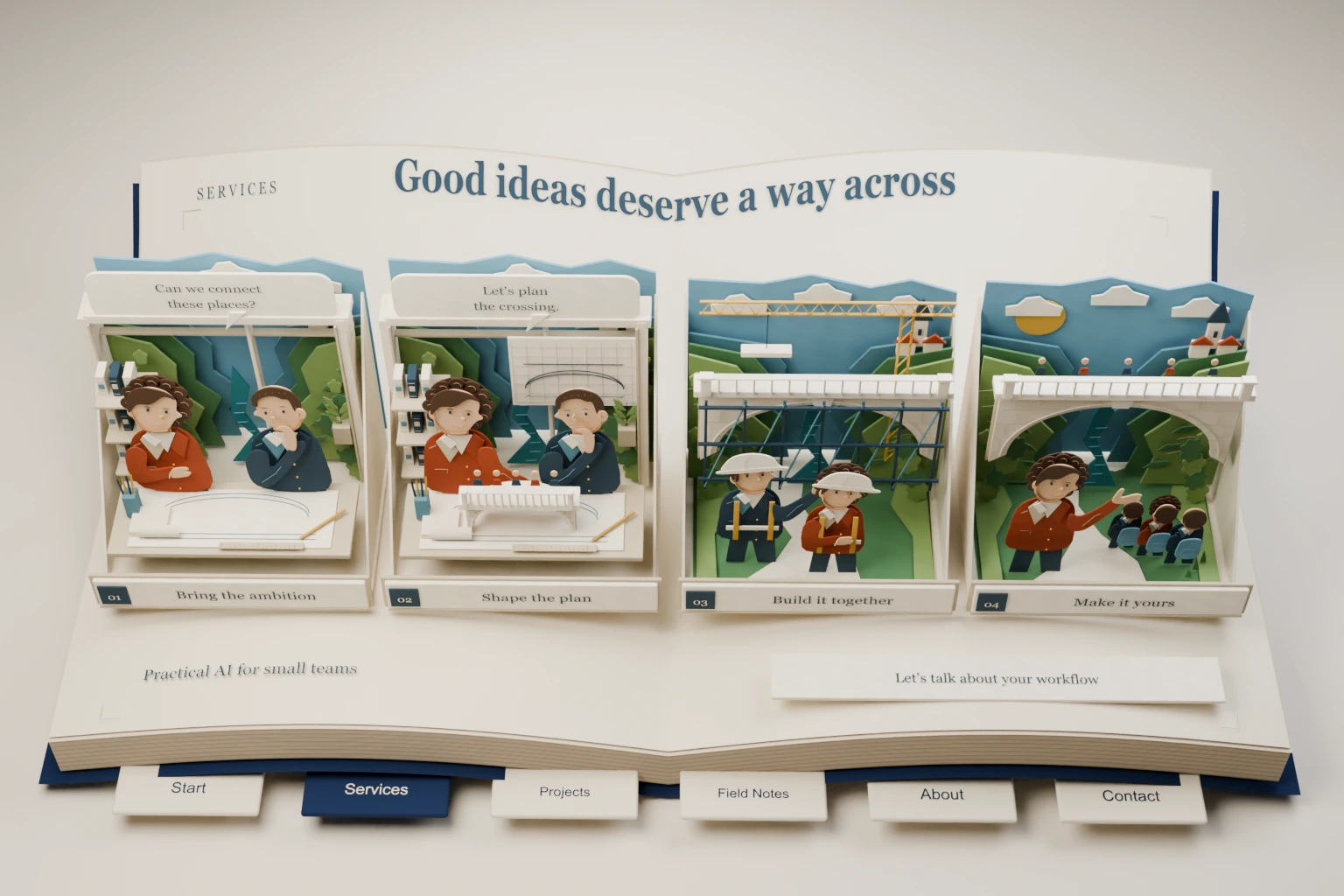
A good tool still needs people who know when to use it, when to question it and what to do when it breaks. I help small teams turn an AI or automation tool into a habit everyone shares, using your actual workflow as the material.
When adoption needs attention
This is for teams that already have a working tool, a pilot or a clear plan, but no shared way of using it. You’ll recognise the signs: people get different answers, nobody’s sure who’s responsible, handoffs get forgotten, and everything depends on the one person who’s comfortable with the tech.
If the system itself isn’t ready yet, we’ll spot that early, and a focused build might come first.
What we develop together
- Examples for each role, and a walkthrough of the workflow we’ve agreed on.
- Plain-language instructions and a checklist for reviewing what the tool produces.
- Clear rules for business information, approvals and when to escalate.
- A handover naming who owns the workflow, who has which accounts and who maintains it.
- A short loop for feedback and improvements, including a way to report problems.
Everything is built around the tools and work we agree to cover. It’s practical training for your team, and I won’t promise a particular productivity number.
How remote sessions work
We start by finding out where everyone is, then work through real examples over screen share. People practise the task and explain how they’d spot a result that needs checking. The written material backs up the sessions, so it’s still useful a month later.
Recording is optional, and everyone has to agree to it. Your real business material stays out of any public training examples unless you say otherwise.
Human judgment stays explicit
Training covers the limits as well as the wins. We go through incomplete inputs, unreliable answers, tool failures and the decisions that stay with a person. By the end, the team knows who to call, how to pause a workflow and which changes need another review.
Where this comes from
At work I helped bring about 5,000 people onto an enterprise AI workspace. That meant onboarding guides, live demos and a lot of answering questions one team at a time. The lesson I took away was that people pick up a new tool faster once they’ve watched it run. My technical writing, including a slideshow explaining UMAP, comes from the same urge to make a technical idea easy to follow.
Scope and pricing factors
Scope depends on how many roles, workflows and sessions are involved and how much documentation you need. We also agree whether follow-up support or revisions are included. A written proposal sets all of that out before we start.
Questions teams ask
Do participants need programming experience?
No. We pitch the examples to the people who’ll use the system. Building it and using it day to day are different jobs, and they can get different sessions.
Can the training use our existing workflow?
Yes, within the access and information rules we agree. If you’re not sure which workflow to start with, begin with an opportunity assessment.